Direct PLC communications
Connect with native industrial drivers. No gateway PC, remote desktop, or browser layer between your device and the process.
 RiteControlHMI for Apple platformsGet HMI Editor
 Design, deploy, and run powerful PLC interfaces directly on Apple devices—without a gateway PC or browser runtime.
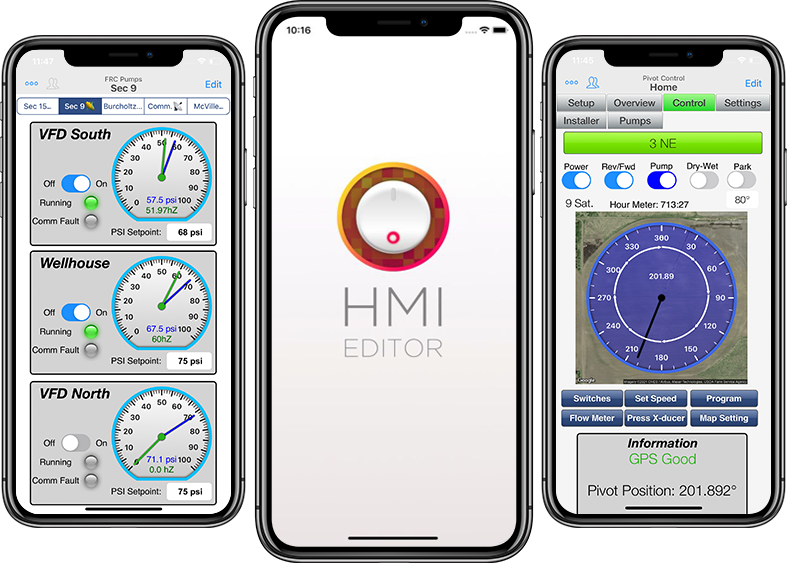
Works with the PLCs already in your plant
RiteControl brings project design, real-time PLC communication, secure deployment, and run-only operation into a workflow made for Apple devices.
Connect with native industrial drivers. No gateway PC, remote desktop, or browser layer between your device and the process.
Build interfaces on-screen with pages, gauges, switches, trends, images, text fields, and reusable control elements.
Bind controls to PLC tags, device sensors, and system values with an advanced expression engine and autocomplete.
Turn live and historical process data into clear, responsive trends that operators can read at a glance.
Handle alarm histories, notifications, project users, and configurable access levels within each deployment.
Use barcode scanning, location, motion sensors, gestures, local files, and other Apple platform capabilities.
Projects behave more like a live combination of a presentation and a spreadsheet. Place controls, connect tags, and see changes immediately—without stopping to compile or launch a separate runtime.
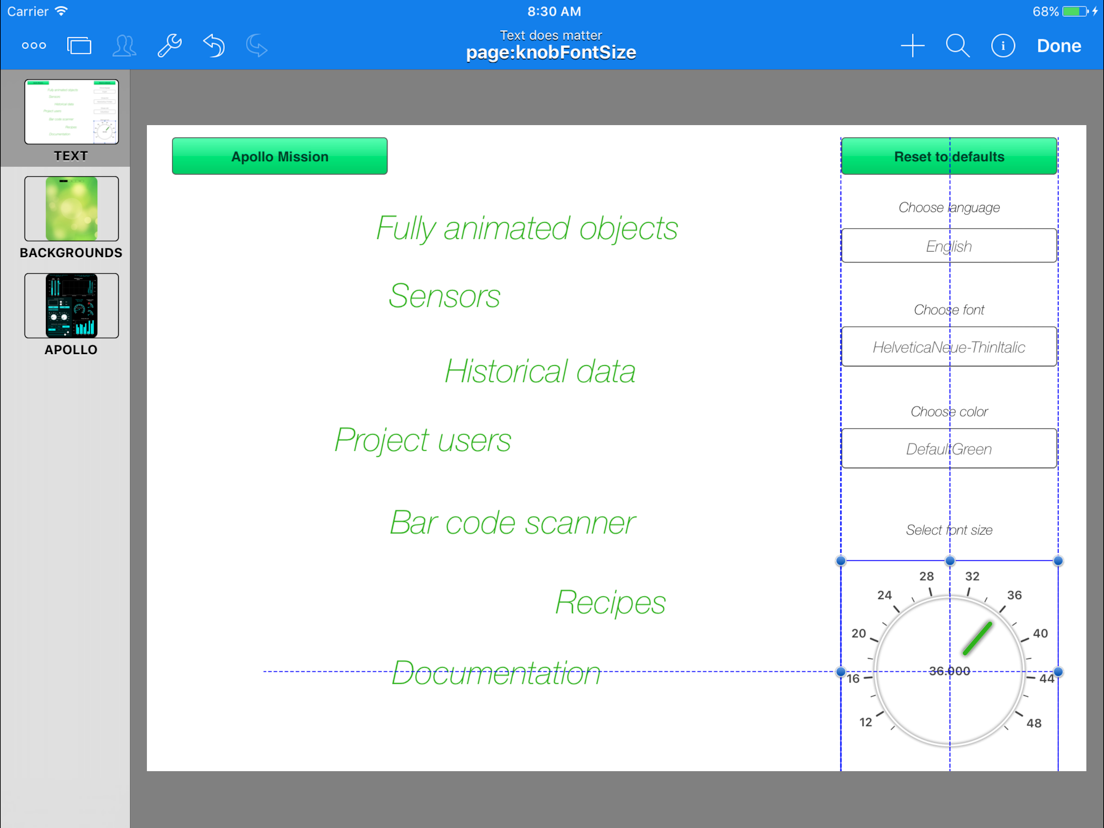
Keep project internals in the Editor and give operators a focused, protected runtime in Viewer.
 FOR INTEGRATORS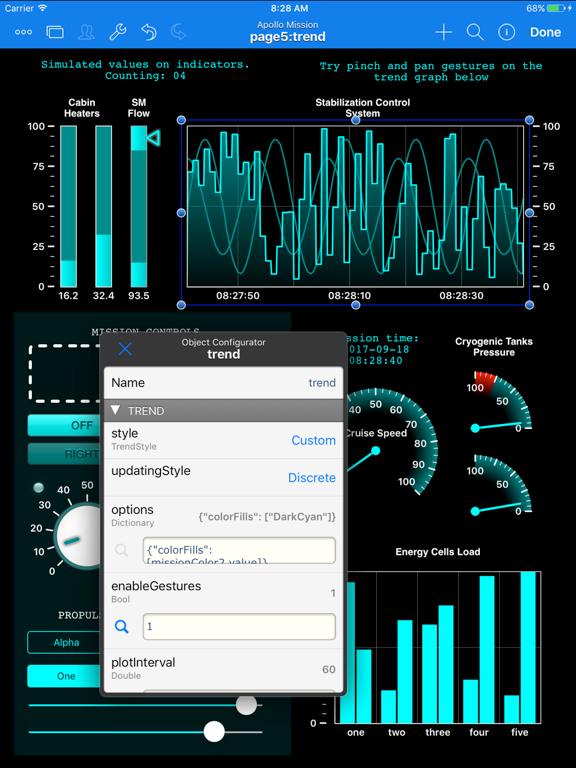
Create, connect, test, and manage complete HMI projects on iPad, iPhone, or Mac.
Download free FOR OPERATORS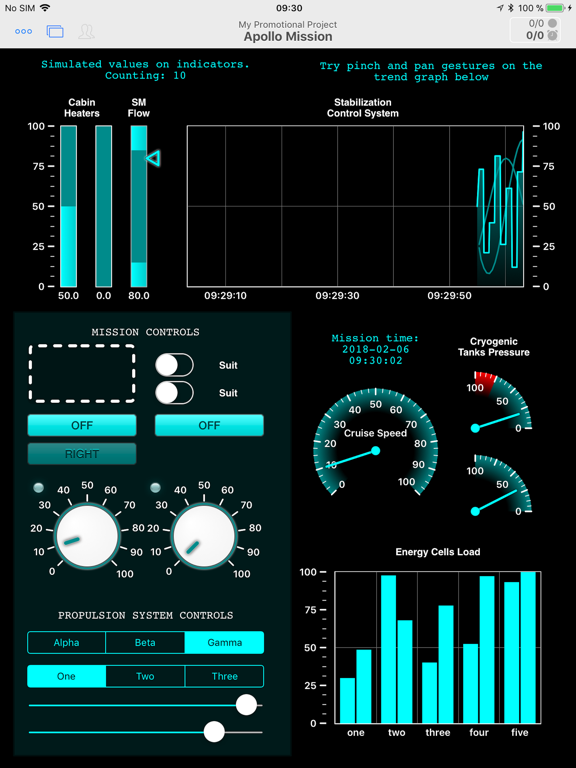
Run protected, purpose-built interfaces without access to project internals or editing tools.
Get HMI ViewerHighly efficient native drivers connect Apple devices straight to supported controllers over industrial Ethernet and TCP/IP networks.
View compatibility detailsFrom a single machine to distributed field equipment, create interfaces that match the process instead of forcing the process into a template.
“I am a very happy person now that I can offer all my customers such a cost effective, yet versatile solution to remote access and control.”
Start with the deployment guide, then use the full reference manual when you are ready to explore the entire platform.
Move from your first project to a deployed operator interface.
Open PDF COMPLETE REFERENCEDetailed coverage of project design, objects, tags, expressions, and deployment.
Read online QUICK ANSWERSClear answers about native operation, compatibility, activation, and updates.
Browse FAQNeed help with a specific controller or deployment? Talk to RiteControl.
RiteControl HMI is a native software platform for building and running Human-Machine Interfaces on Apple devices. Automation engineers create projects in HMI Editor, then deploy protected run-only projects to operators using HMI Viewer.
No. Supported PLCs communicate directly with the app through native industrial protocols. HMI projects run locally on the Apple device rather than inside a browser or remote desktop session.
Yes. HMI Editor is free to download and lets you develop and test projects without artificial limits on pages, tags, or PLCs. Project activation is purchased when you are ready to deploy to an end user.
No. Internet access is used to redeem activation codes or update a deployed project. Once installed, a project can continue running locally without a permanent internet connection.
Download HMI Editor, connect a supported PLC, and build a complete project before you decide to activate it.